

Create A Professional Homeschool Transcript with Confidence
An easy-to-use Google Sheets template that helps you organize courses, calculate GPA automatically, and create a polished transcript for college applications – without building one from scratch.
⭐ Created by a 20+ year educator
✓ Automatic GPA calculations
✓ Instant download
✓ Google Sheets
Everything You Need. Nothing You Don’t.
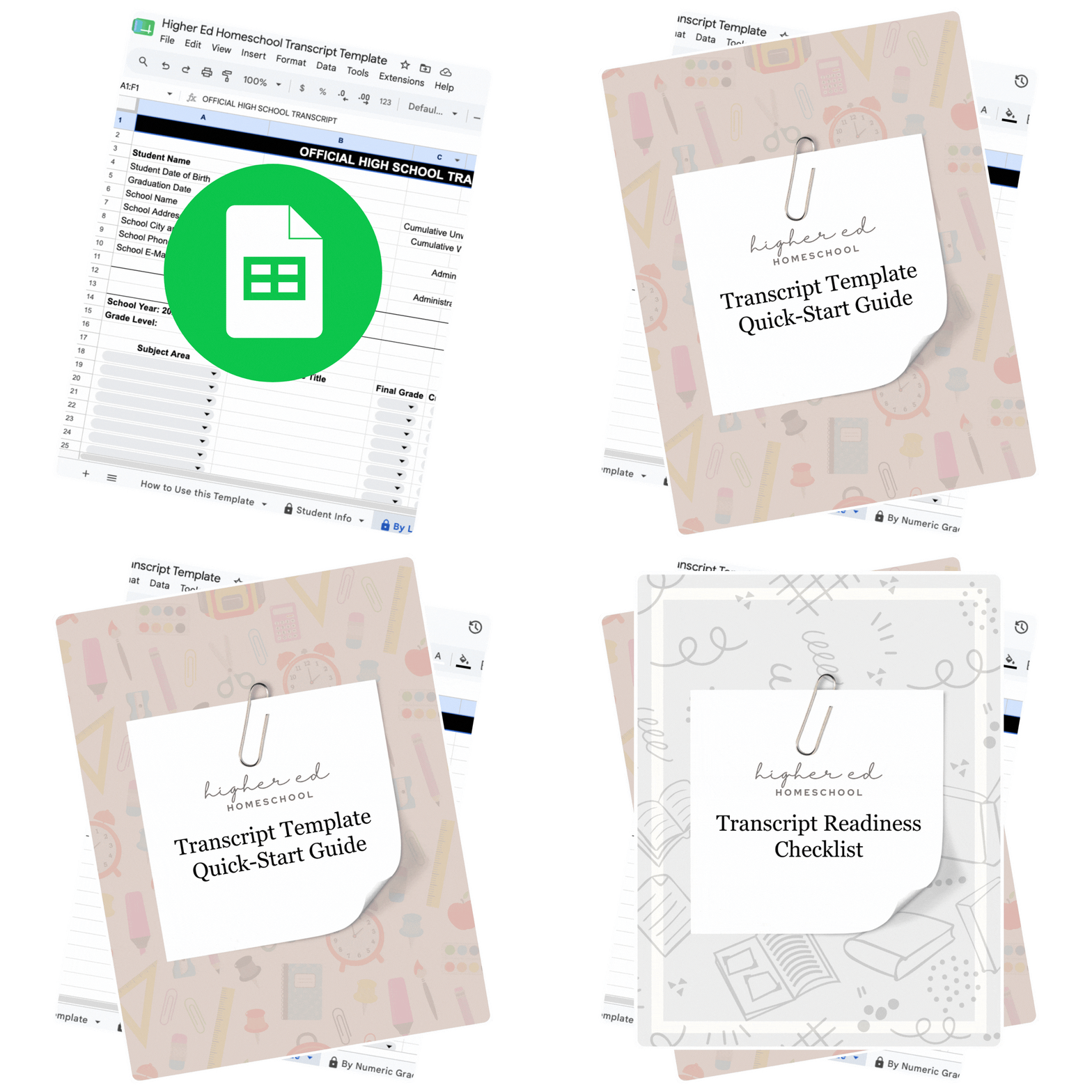
More than just a spreadsheet, this template includes the supporting resources you need to get started with confidence.
Create a College-Ready Transcript
Create a polished homeschool transcript using a traditional A–F grading scale or percentage grades. Simply enter your student’s courses, credits, and final grades, and the template does the rest!
Never Calculate GPA Again
Skip the spreadsheets and formulas. As you enter courses, credits, and grades, the template automatically calculates cumulative GPA, helping reduce errors and saving you time.
See a Finished Example
See exactly how a finished transcript should look before creating your own. Use the sample as a visual reference for formatting, course organization, and overall presentation.
Get Started in Minutes
Get up and running in minutes with a clear, step-by-step guide that walks you through using the template, entering your student’s information, and generating a professional transcript with confidence.
Catch Mistakes Before You Submit
This detailed checklist helps you confirm your student’s transcript is complete, accurate, and ready to submit with confidence before being sent to colleges.
You’ll receive immediate access to…
- Homeschool Transcript Template (Google Sheets)
- Quick Start Guide (PDF)
- Sample Completed Transcript
- Transcript Readiness Checklist
- Lifetime access to your copy
- Instant download after checkout
Let’s simplify the high school transcript!
For homeschool families, the transcript is one of the most important documents in the college admissions process – and you’re responsible for creating it. That can feel overwhelming, especially if you’re doing it for the first time. This template takes the guesswork out of formatting, organizing, and calculating GPA, making it easier to create a clear, professional transcript that accurately reflects your student’s high school accomplishments. With one less thing to worry about, you can spend more time focusing on preparing your student for what’s next.
Avoid Costly Transcript Mistakes
Lessen mistakes and confusion with detailed instructions explaining how to use the template for your specific needs. From the included quick start guide to the in-tool resources, you’ll be a transcript pro in no time!
Works With Your Homeschool
Whether you use letter or numeric grades, pluses or minuses, this template is built to support your needs. Drop-down menus make it easy to account for subject area, rigor, and credits, making an otherwise tedious task a breeze.
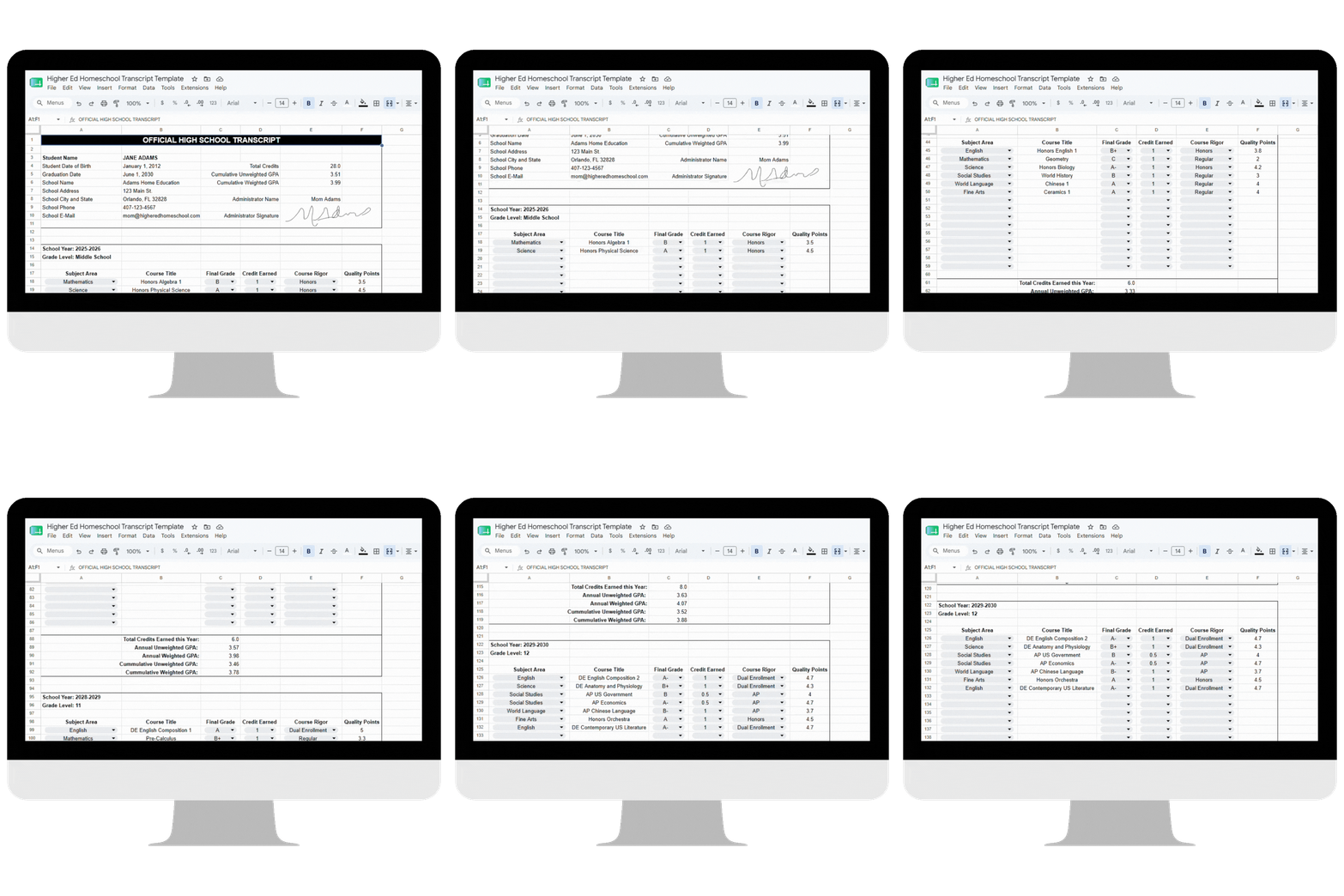
Finish Faster With Automatic GPA
Our built-in formulas mean you’ll never have to calculate credit hours or GPAs again. We’ve got you covered with annual, weighted, and unweighted GPAs updated in real time!
Create a Transcript You Can Submit with Confidence
Though I’ve been an educator for more than 20 years, creating my daughter’s homeschool transcript from scratch was the most intimidating part of the college application process. Growing up with a school counselor for a mom, I’ve always known how make-or-break this one document can be.
As homeschool parents, we’re responsible for creating one of the most important pieces of the admissions process ourselves. With my daughter’s future on the line, I wanted a transcript that accurately reflected her academic accomplishments and gave admissions officers everything they needed to confidently evaluate her application.
I searched for a transcript template that was simple, professional, and complete – but nothing checked all the boxes. So I created my own.
Built from my experience as an educator and refined through my daughter’s own college application journey, this template includes the features I couldn’t find anywhere else. It helped me create a transcript I was proud to submit, and by the end of admissions season, my daughter had multiple college acceptances and scholarship offers.
Now I’m sharing an improved version with other homeschool families, so you can spend less time worrying about the transcript and more time celebrating everything your student has accomplished.
Why Families Choose This Template Instead of Starting From Scratch
|
Starting From Scratch |
Homeschool Transcript Template |
|---|---|
|
✔ Free to create |
✔ Ready to use immediately |
|
✘ Build formulas yourself |
✔ Automatic GPA Calculations |
|
✘ Design the layout |
✔ Professionally formatted |
|
✘ Create supporting documents |
✔ Includes a sample transcript, checklist, and Quick Start Guide |
|
✘ Double-check every calculation |
✔ Built-in formulas help reduce errors |
|
✘ Wonder if colleges will understand the format |
✔ Designed specifically for homeschool college admissions |